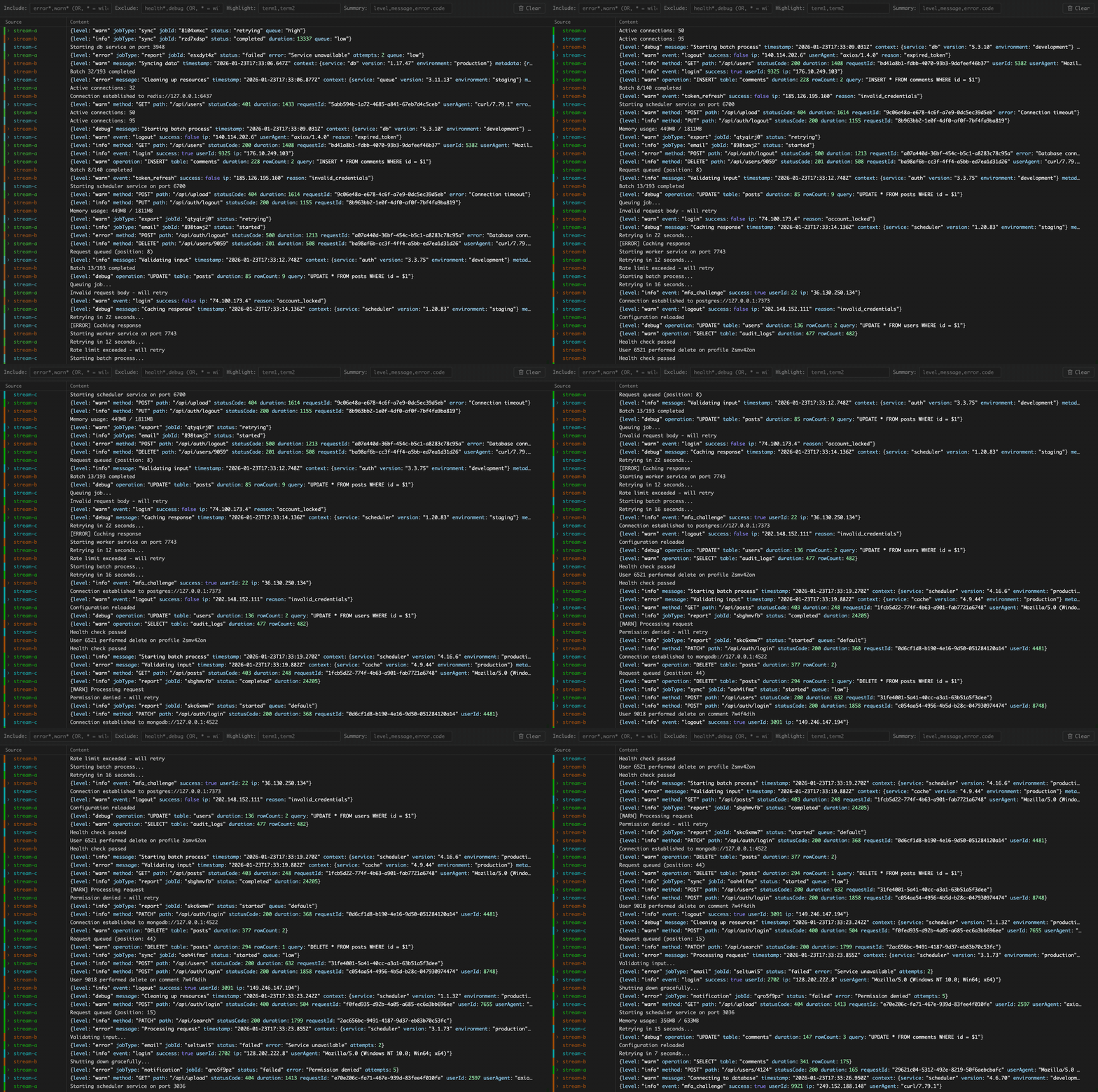
Usage
# Wrap your processes
teemux --name api -- node api.js
teemux --name worker -- node worker.js
teemux --name webapp -- npm run dev
teemux -- redis-server

# View logs
open http://127.0.0.1:8336/
curl http://127.0.0.1:8336/
Features
Zero config
First process starts the server. Others connect automatically.
Multiple views
Browser for colors. Curl for plain text.
Pattern filtering
Include or exclude with wildcards.
Leader election
Automatic failover if leader exits.
MCP for AI Agents
| get_logs | Recent logs from buffer |
| search_logs | Search with patterns |
| get_process_names | List processes |
| clear_logs | Clear buffer |
// Add to your MCP config
{
  "mcpServers": {
    "teemux": {
      "command": "npx",
      "args": ["mcp-remote", "http://127.0.0.1:8336/mcp"]
    }
  }
}
FAQ
Why not just use tail -f?
That would require restarting your services to redirect their output. Fine for one-off scripts, but impractical when you have long-running processes and don't want to restart them every time an agent needs to read logs.
With teemux, a persistent MCP server gives multiple AI agents access to logs as needed—without interrupting your development flow.
Why "teemux"?
tee (Unix command that splits output) + mux (multiplexer) = teemux